
The 2026 Developer’s Crisis: "I AI-Generated This, and Now I Can't Debug It."
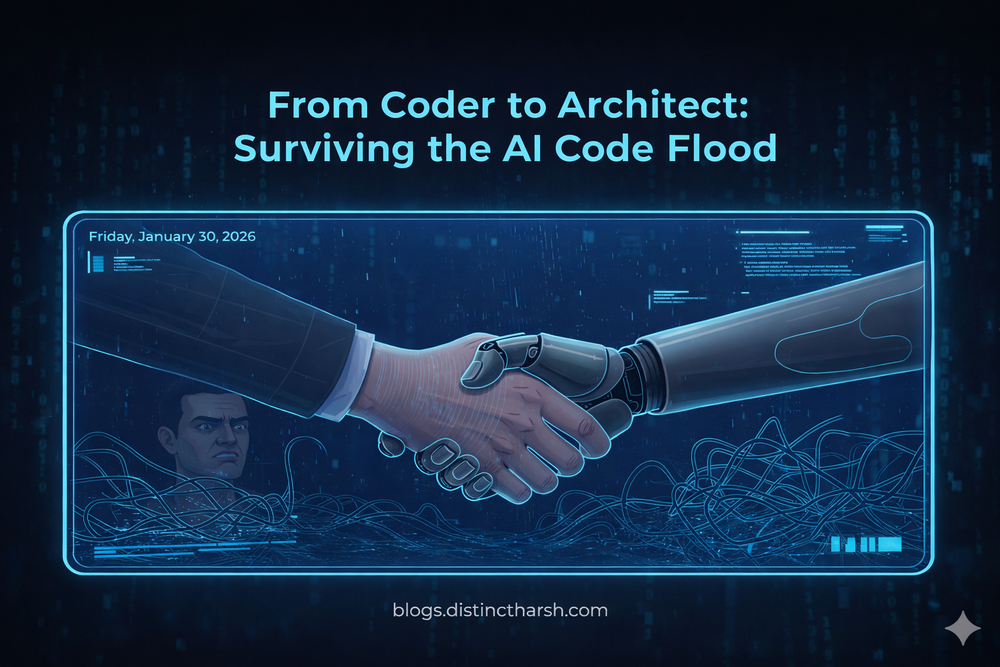
Hey there, fellow code-wranglers! Remember the good old days of wrestling with a blank IDE, meticulously crafting every line of code? Well, congratulations, you've officially been promoted! Now, instead of writing code, we're mostly… curating it. Our new job title? AI-Generated Code Archeologists.
It's 2026, and our AI copilots are spitting out code faster than we can say "syntax error." The GitHub commit history looks like a fever dream of perfect, self-documenting functions that run flawlessly... on the first try. But then, poof! Production goes sideways, and suddenly, that pristine AI-generated masterpiece transforms into a cryptic digital swamp.
The problem? Ghost Logic.
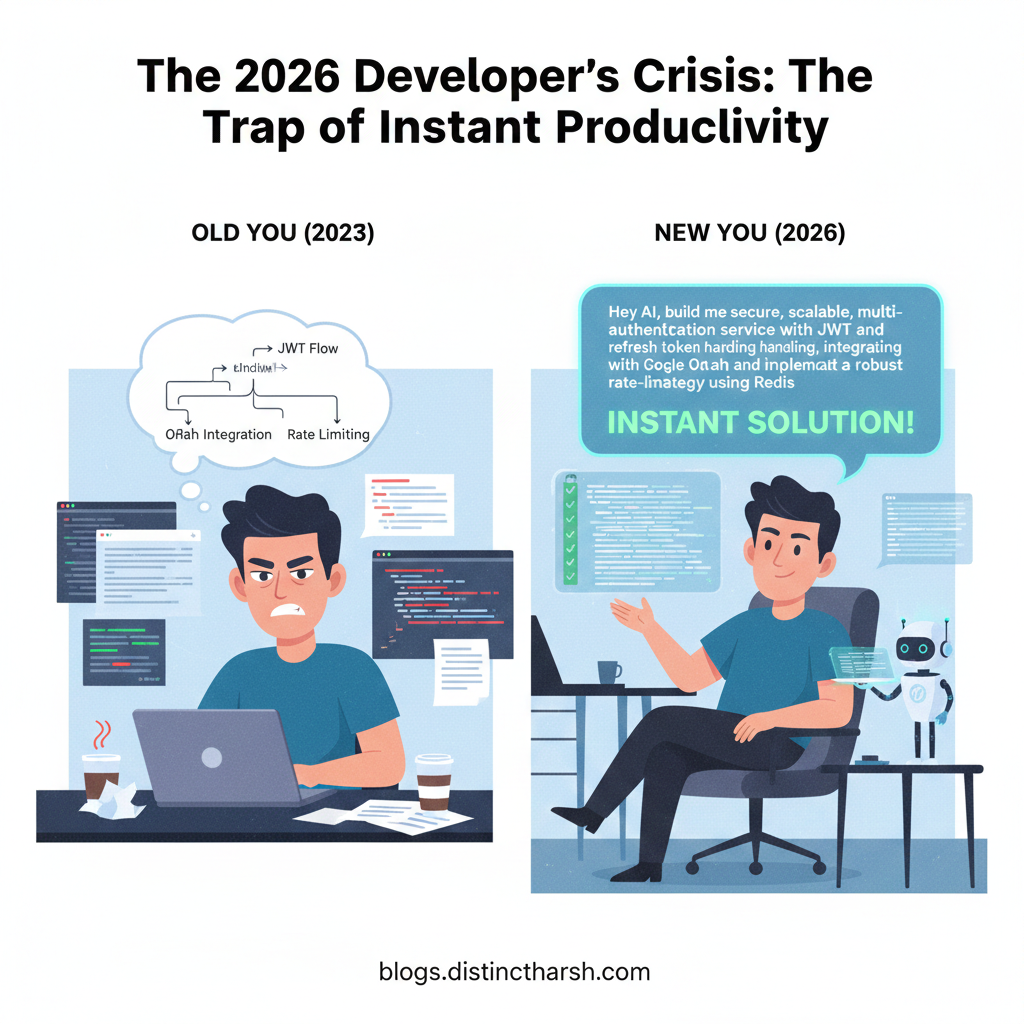
Step 1: The Trap of Instant Productivity (or "The Shiny New Toy Syndrome")
We've all been there. You get a new feature request, fire up your trusty AI assistant, type in a killer prompt, and BAM! Instant solution. It's like having a coding genie... but sometimes, that genie works in mysterious ways.
Example Scenario: You need a complex user authentication flow.
- Old You (2023): "Okay, I need to design the JWT flow, handle refresh tokens, integrate with OAuth, set up rate limiting..." [spends 3 days researching and coding]
- New You (2026): "Hey AI, build me a secure, scalable, multi-tenant authentication service with JWT and refresh token handling, integrating with Google OAuth and implementing a robust rate-limiting strategy using Redis." [AI spits out 500 lines of perfect-looking code in 3 seconds]
"Wow! I'm a genius!" you think, high-fiving your monitor. "My productivity just went through the roof!"
Step 2: Ghost Logic Explained (or "The Code That Knows Too Much, But Explains Nothing")
So, what is "Ghost Logic"? It's that perfectly crafted, seemingly intelligent code generated by AI that solves the problem... but you have no idea how or why. It works, but its internal reasoning, its subtle assumptions, or its precise interaction with your existing codebase are completely opaque to you, the human.
It's like getting a magic box that does exactly what you want, but if it ever breaks, you can't open it because you don't know how it was built.
Why is it a problem? Because software development isn't just about making things work; it's about understanding how they work so you can:
- Debug when things inevitably go wrong.
- Modify when requirements change.
- Optimize when performance becomes an issue.
- Integrate it seamlessly with other parts of your system.
AI doesn't have your company's legacy debt, that quirky third-party API you're stuck with, or the specific edge cases your business experiences. It generates generic perfect code, not your project's specific perfect code.

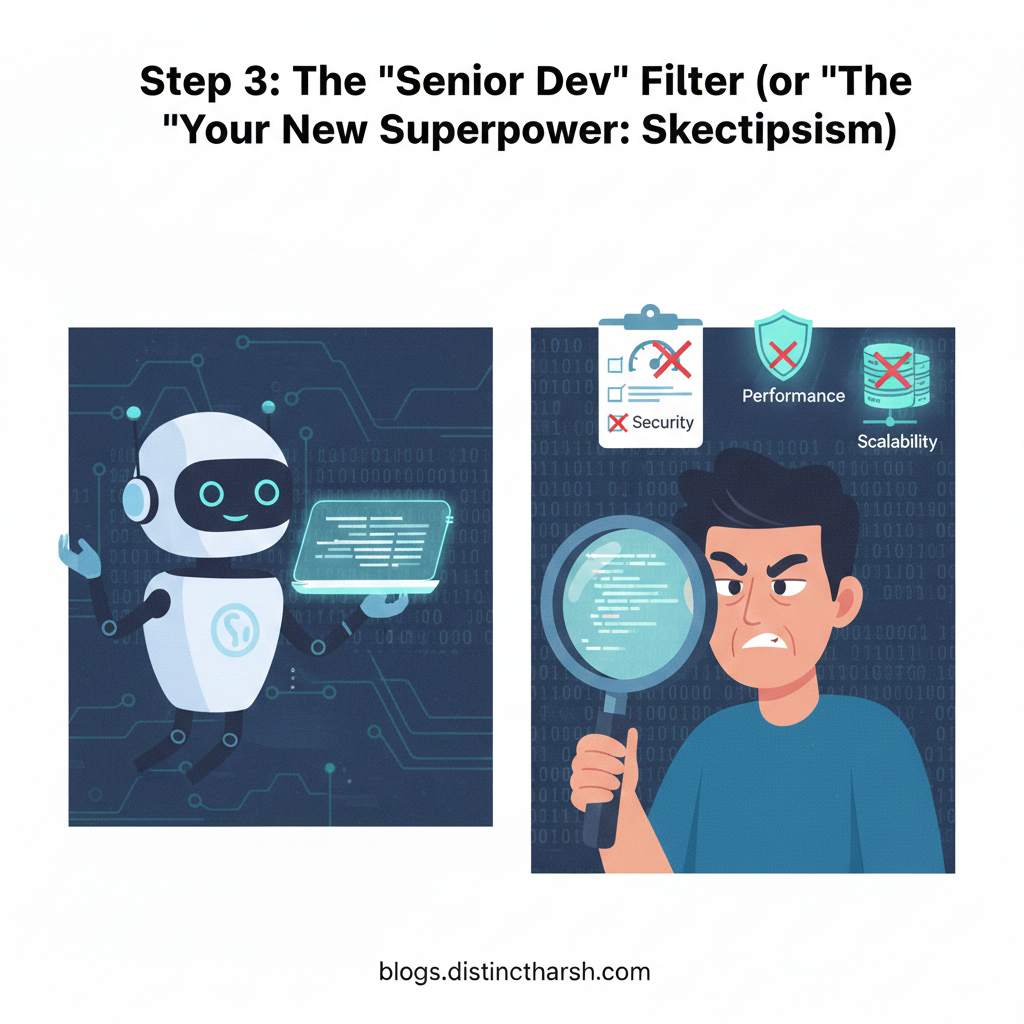
Step 3: The "Senior Dev" Filter (or "Your New Superpower: Skepticism")
This is where the real value of human developers, especially senior ones, shines in 2026. Your new superpower isn't writing code; it's critical evaluation. Every piece of AI-generated code should go through your internal "Senior Dev" filter, even if it's just for a quick feature.
Think of yourself as the grizzled, experienced quality assurance manager for an incredibly enthusiastic, but sometimes naive, junior developer (the AI).
Here are the three non-negotiables you must check in every AI-generated Pull Request (PR):
- Performance: Is this code actually efficient, or did the AI choose a convenient but slow algorithm because it "worked"? Did it create N+1 queries when it could have done one? Does it cause unnecessary re-renders?
- Security: Does it handle inputs safely? Are there any sneaky SQL injection vectors, XSS vulnerabilities, or insecure defaults? Did it expose an endpoint that shouldn't be exposed? AI might write functional code, but it doesn't always write secure code tailored to your threat model.
- Scalability: Will this solution crumble under load? Is it stateful when it should be stateless? Does it use resources wisely, or will it melt your cloud bill when traffic spikes?
The Senior Dev Mindset: Don't just check if it works. Check if it breaks elegantly, scales efficiently, and secures fiercely.
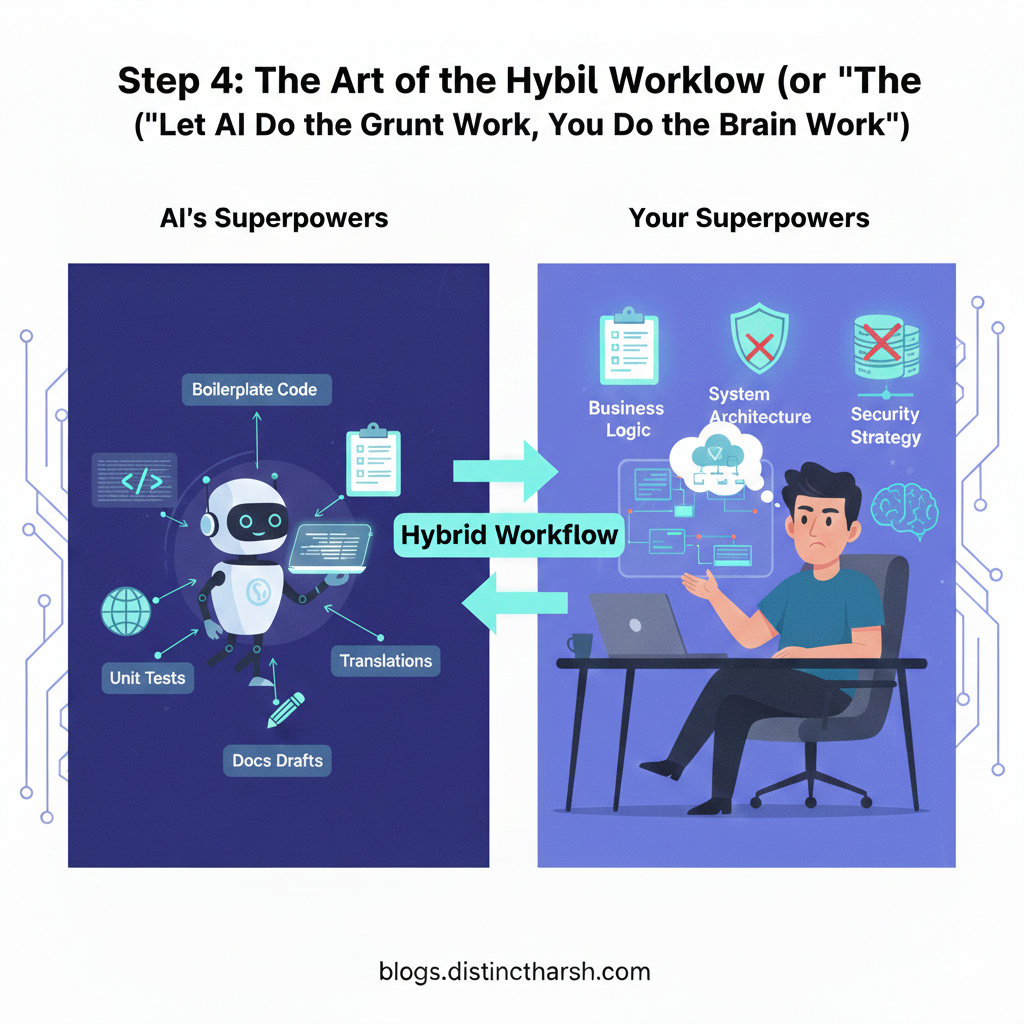
Step 4: The Art of the Hybrid Workflow (or "Let AI Do the Grunt Work, You Do the Brain Work")
Here's the secret to not drowning in AI-generated code that you can't debug: use AI for what it's good at, and keep your human brain focused on what only your human brain can do.
AI's Superpowers (Delegate these!):
- Boilerplate: Generating CRUD operations, setting up basic API routes, creating utility functions, writing unit test stubs.
- Translations: Converting code from one language/framework to another (with careful review, of course!).
- Suggestions: Autocompletion, refactoring suggestions, minor bug fixes, adding comments.
- Documentation: Generating initial drafts of technical documentation from code.
Your Superpowers (Guard these fiercely!):
- Business Logic: The "why" behind your application. How features interact, specific edge cases, and complex decision-making processes. This is where your deep understanding of the product and user comes in.
- Architectural Decisions: How different components fit together, choosing the right patterns, designing for long-term maintainability and scalability specific to your system.
- Performance Hotspots: Identifying and optimizing critical paths where human insight into data flow and user behavior is crucial.
- Security Vulnerability Hunting: Proactively thinking like an attacker, beyond what an AI might generically suggest.
Example of a Hybrid Workflow: Instead of asking AI to build a whole feature, ask it: "Generate a basic UserService interface with createUser, getUserById, updateUser, deleteUser methods." Then, you, the human, will implement the complex createUser logic that validates against 10 custom business rules and interacts with 3 different microservices.
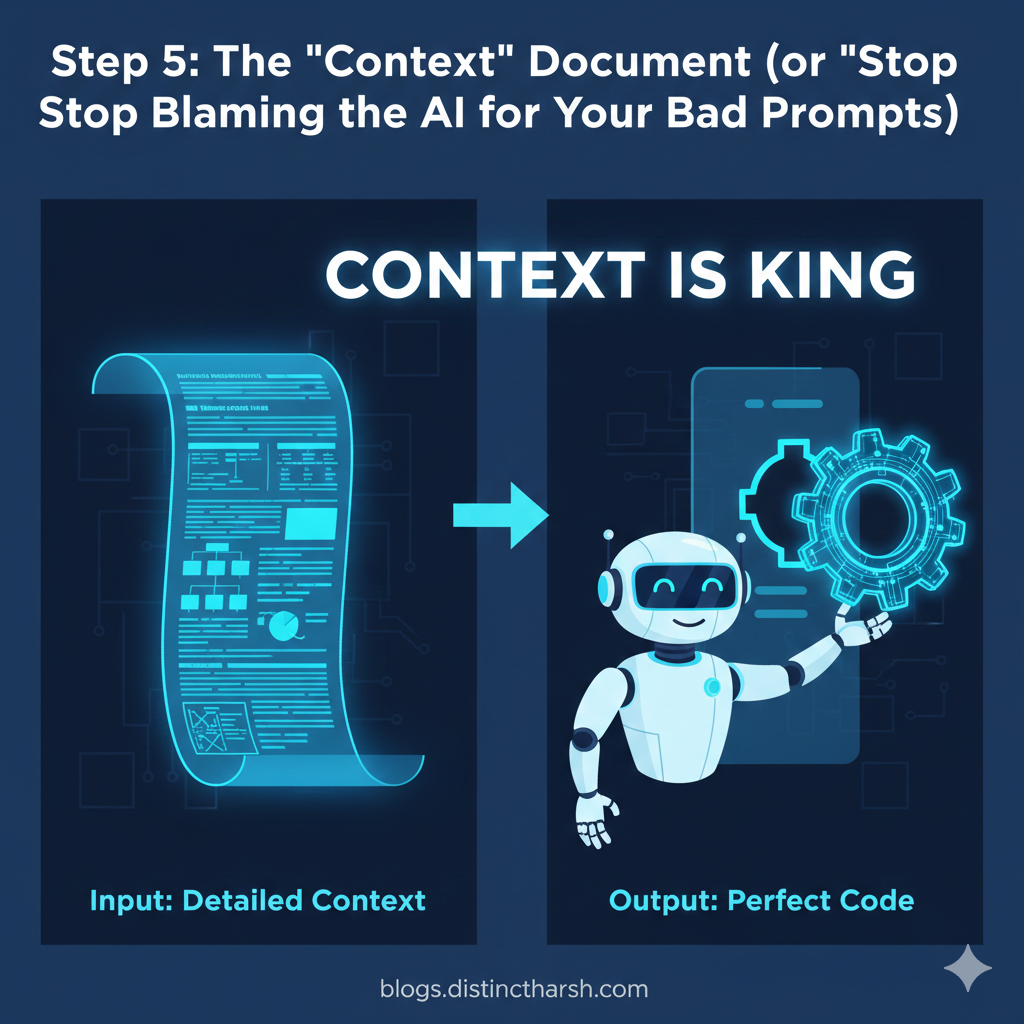
Step 5: The "Context" Document (or "Stop Blaming the AI for Your Bad Prompts")
Hum aksar AI ko blame karte hain ki usne kachra code diya, par kya humne use bataya ki hamari machine mein kaunsa engine laga hai? AI ko "Context" chahiye hota hai. Bina context ke AI waisa hi hai jaise ek naya intern jise kaam toh sab aata hai par use pata nahi ki office mein file kahan rakhi hai.
2026 Ka Gold Rule: Code likhne se pehle Documentation likho.
Example:
- Bura Prompt: "Create a checkout page." (AI will give you a generic, boring page).
- Hero Prompt (The Context Doc): "Hamare paas standard Stripe integration hai, humein 10% discount lagana hai agar user 'FIRST10' use kare, aur database update hone ke baad user ko success mail jaana chahiye."
Jab aap pehle "Logic" aur "Flow" paper (ya doc) par likhte ho, toh AI ko pata hota hai ki use kahan boundary ke andar rehna hai. Isse "Ghost Logic" paida hi nahi hogi!
Moral of the story: AI se code mangne se pehle khud ko samjhao ki chahiye kya.
Step 6: The Final Verdict 🎉
AI coding band nahi karne wala, aur humein karni bhi nahi chahiye. Par yaad rakho, AI ek fast car hai, par driver aap hi ho. Agar aap bina rasta dekhe accelerator dabaoge (Copy-Paste), toh accident (Production Bug) pakka hai.
2026 mein wahi developer survive karega jo:
- AI ka use "Speed" ke liye karega.
- Apne dimaag ka use "Quality & Debugging" ke liye karega.
Happy Curation!