

Debugging 500 Errors Like a Senior Developer (Without Losing Your Mind 😵💫)
You deploy your app.
You open the URL.
And suddenly…
500 | Internal Server Error
No message.
No clue.
Just pain.
At this moment:
- Juniors panic 😰
- Seniors sip coffee ☕ and start debugging
Let’s learn why.
😵 What a 500 Error REALLY Means
A 500 error is your application saying:
“Something broke… but I don’t know how to explain it to you.”
It does NOT mean:
- Your whole app is bad
- Laravel / Node / Django is useless
- You should rewrite everything
It means:
👉 One specific thing failed
Your job is to find that thing.
1️⃣ Rule #1: Stop Guessing, Start Observing 👀
Junior Debugging Style ❌
“Let me change this line… no?
Ok let me change something else…”
This usually makes things worse.
Senior Debugging Style ✅
“What exactly happened, and when?”
First questions to ask:
- Did this work yesterday?
- Did I deploy something recently?
- Is it breaking for everyone or only me?
📌 Debugging without questions is gambling.
2️⃣ Logs Are Your Best Friend (Not Google)
Every 500 error leaves proof behind.
Think of logs as CCTV footage of your app.
Example Log Message
Permission denied: storage/logs
What juniors think:
“Laravel bug?”
What seniors think:
“Ah, permissions.”
📌 Always check logs before touching code.
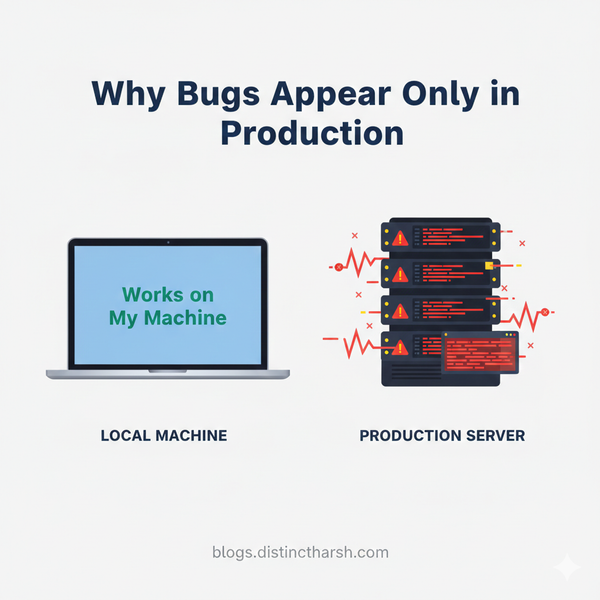
3️⃣ “It Works on My Machine” Is Not a Fix 😅
Classic scenario:
- Works locally ✅
- Fails on server ❌
Why?
Because production is a different world:
- Different environment variables
- Different permissions
- Different data
- Different traffic
Example
Locally:
DB_PASSWORD=123
Production:
DB_PASSWORD= (missing)
Result?
👉 500 error.
📌 Seniors always compare environment first, code second.
4️⃣ Find the Broken Layer (Don’t Blame Everything)
Your app has layers, like a cake 🍰
Possible failure layers:
- Request input (bad data)
- Application logic
- Database
- External APIs
- Server / permissions
Example
Payment page gives 500 error.
Junior:
“Payment logic is broken!”
Senior:
- Checks API response
- Finds payment gateway timeout
- Problem solved
📌 Find the layer, not the enemy.
5️⃣ Reduce the Problem (Like a Detective 🔍)
Seniors don’t fix first — they simplify.
Example
Large function causing 500 error.
Senior approach:
- Comment half the code
- Test again
- Narrow down until the exact line breaks
This is called:
Problem isolation
📌 Smaller problem = faster solution.
6️⃣ Never Debug Randomly on Production 🚨
Bad ideas:
- Editing files directly on server
- Turning debug mode ON for everyone
- “Just trying something”
Good ideas:
- Use staging
- Add temporary logs
- Reproduce safely
📌 Production is not a testing lab.
7️⃣ Sometimes… It’s NOT Your Code 🤯
Yes, this happens a LOT.
Real causes of 500 errors:
- Database server down
- Disk space full
- Memory exhausted
- External service failed
Example
Everything was fine.
Suddenly 500 errors everywhere.
Reason?
👉 Server disk = 100% full
📌 Seniors check system health early.
8️⃣ After Fixing, Make Future-You Happy ❤️
Senior developers always ask:
“How do I catch this faster next time?”
They add:
- Better logs
- Clear error messages
- Monitoring alerts
Result?
Next 500 error becomes:
“Oh, this again. Fixed in 2 minutes.”
😎 Junior vs Senior Debugging (Real Difference)
| Junior | Senior |
|---|---|
| Panics | Stays calm |
| Random changes | Evidence-based |
| Blames framework | Checks system |
| Fixes once | Prevents again |
🧠 Final Thought
A 500 error is not your enemy.
It’s your app saying:
“Please understand me better.”
When you stop panicking and start observing,
you automatically debug like a senior developer.
No fancy tools needed —
just clear thinking.